
Tutorials & Tips
Tutorials for Manga Studio (Clip Studio Paint), Adobe Photoshop, and Freelancing
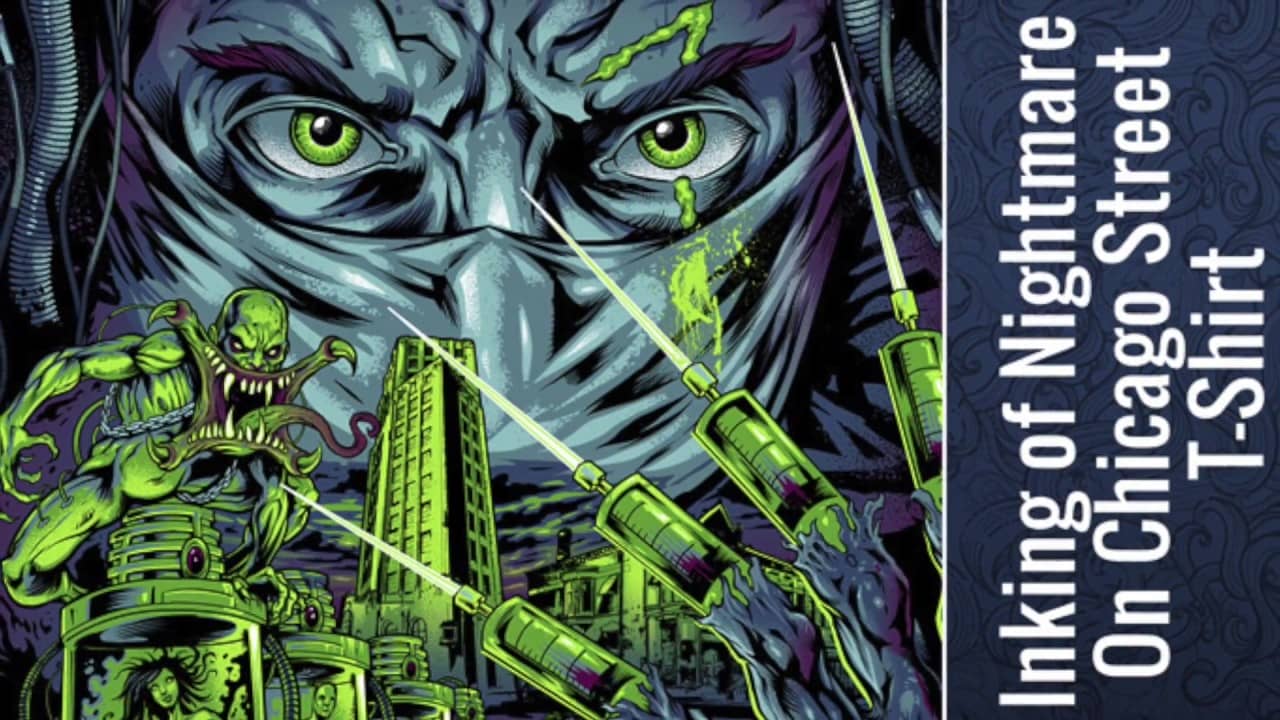
Inking of Nightmare on Chicago Street
Inking of my Nightmare on Chicago Street 2017 gig poster. It was fun to go to this outdoor concert, The streets were turned into something that you would see on the Walking Dead.

My Movie 3
Speed coloring of a zombie soldier in Clip Studio Paint https://youtu.be/2CujCF6Q034
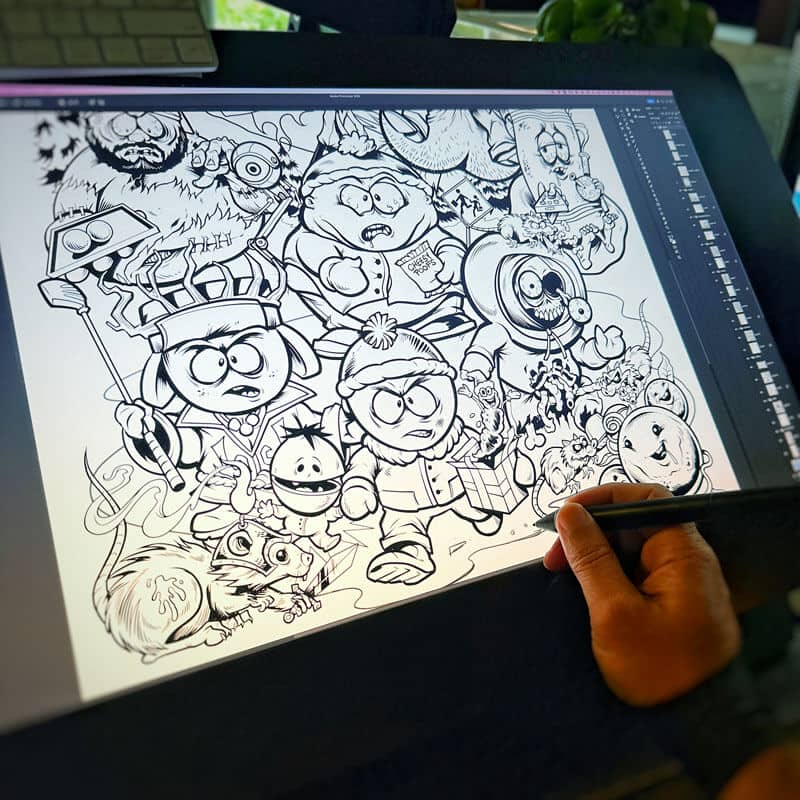
South Park parody illustration speed drawing
Speed video of my inking process of a new South Park parody illustration I drew on my Wacom Cintiq, in Clip Studio Paint. https://youtube.com/shorts/suE9EZK46i0?feature=share

How To Draw in Clip Studio Paint (Manga Studio 5) Tutorial Part 1 of 3 – With Full Commentary
Tutorial video - How To Draw in Clip Studio Paint (Manga Studio 5) Tutorial Part 1 of 3 - With Full Commentary
View more tutorials and tips for digital illustrators
Product Reviews
Reviews of hardware, software, and products for Artists
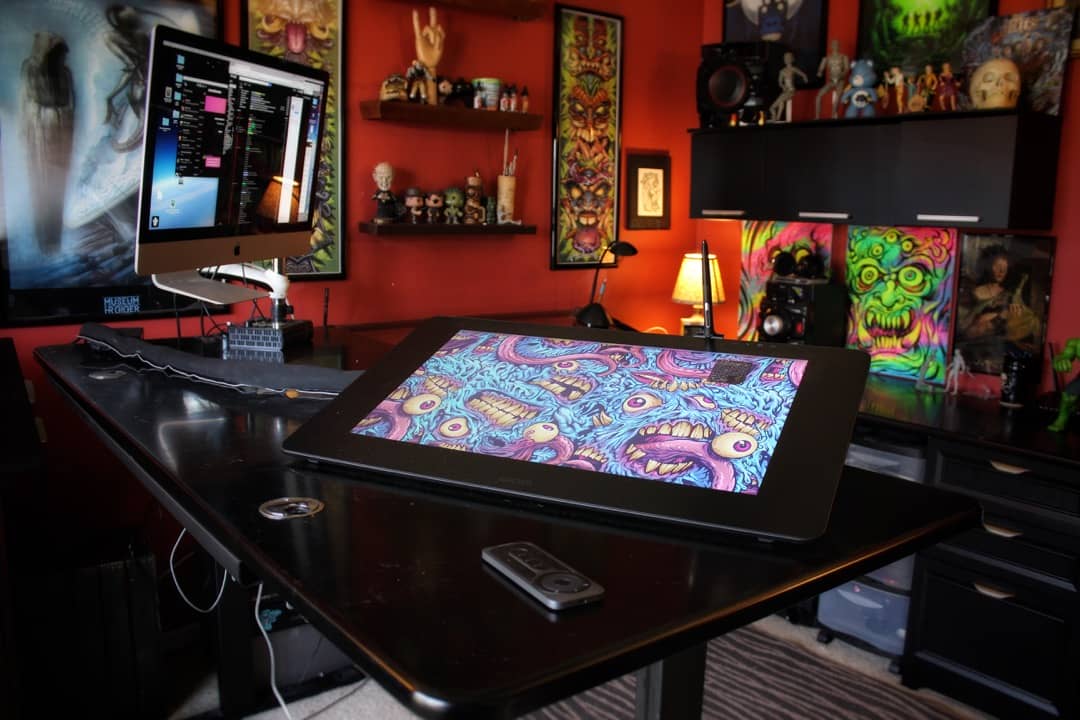
Wacom Cintiq Pro 24″ Review
The new Wacom Cintiq Pro 24" (non-touch) is the perfect tablet for digital artists. The new Wacom Cintiq Pro 24" at home in my studio https://youtu.be/ERza2YeJTLw About the Cintiq Pro I have been using the Wacom Cintiq [...]
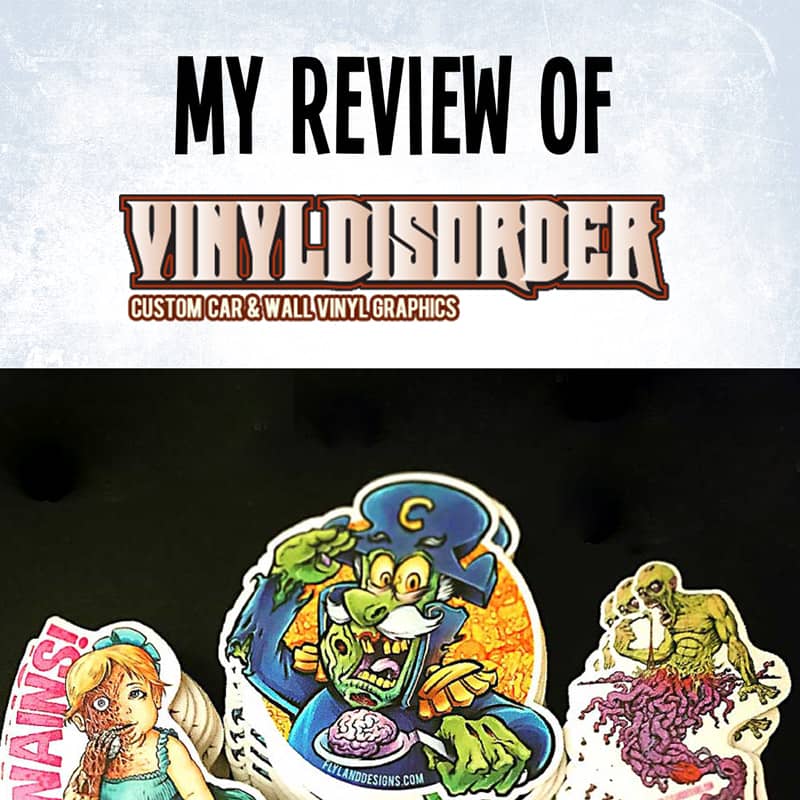
Review of Vinyl Disorder stickers of my artwork
My in-depth review of the custom stickers I ordered from Vinyl Disorder, custom car and wall vinyl graphics
20 Clip Studio Paint (Manga Studio 5) Best Features that make it better than Adobe Photoshop
Official webinar hosted by Clip Studio Paint (Manga Studio 5), Graphixly, and Wacom. I who you how to use the 20+ tricks in Clip Studio Paint that make it a better graphics art program than Adobe Photoshop for digital drawing [...]

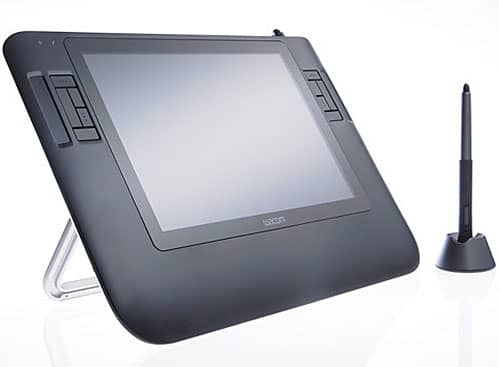
Wacom Cintiq 12WX Review
I purchased the Cintiq 12WX in July 2011, and thought I should share my review. I beat my head against a wall for months trying to decide if the $1000 price tag was really worth it or not. The [...]